
Tired of subscription fees?
With PHYND, enjoy a gaming experience that’s all about simplicity and value.


PHYND is the smart TV platform built to make discovering, playing, and connecting with friends simple.
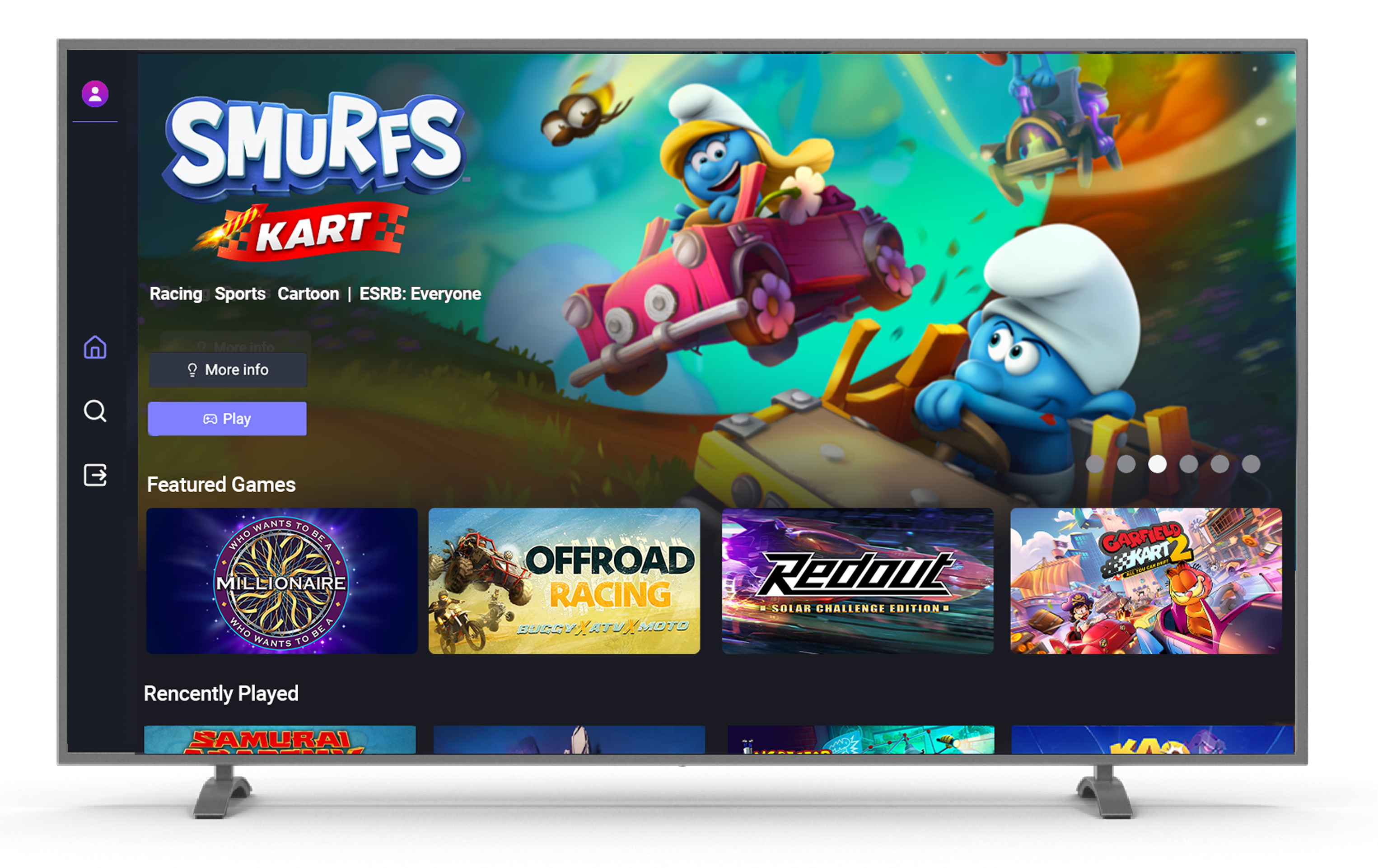



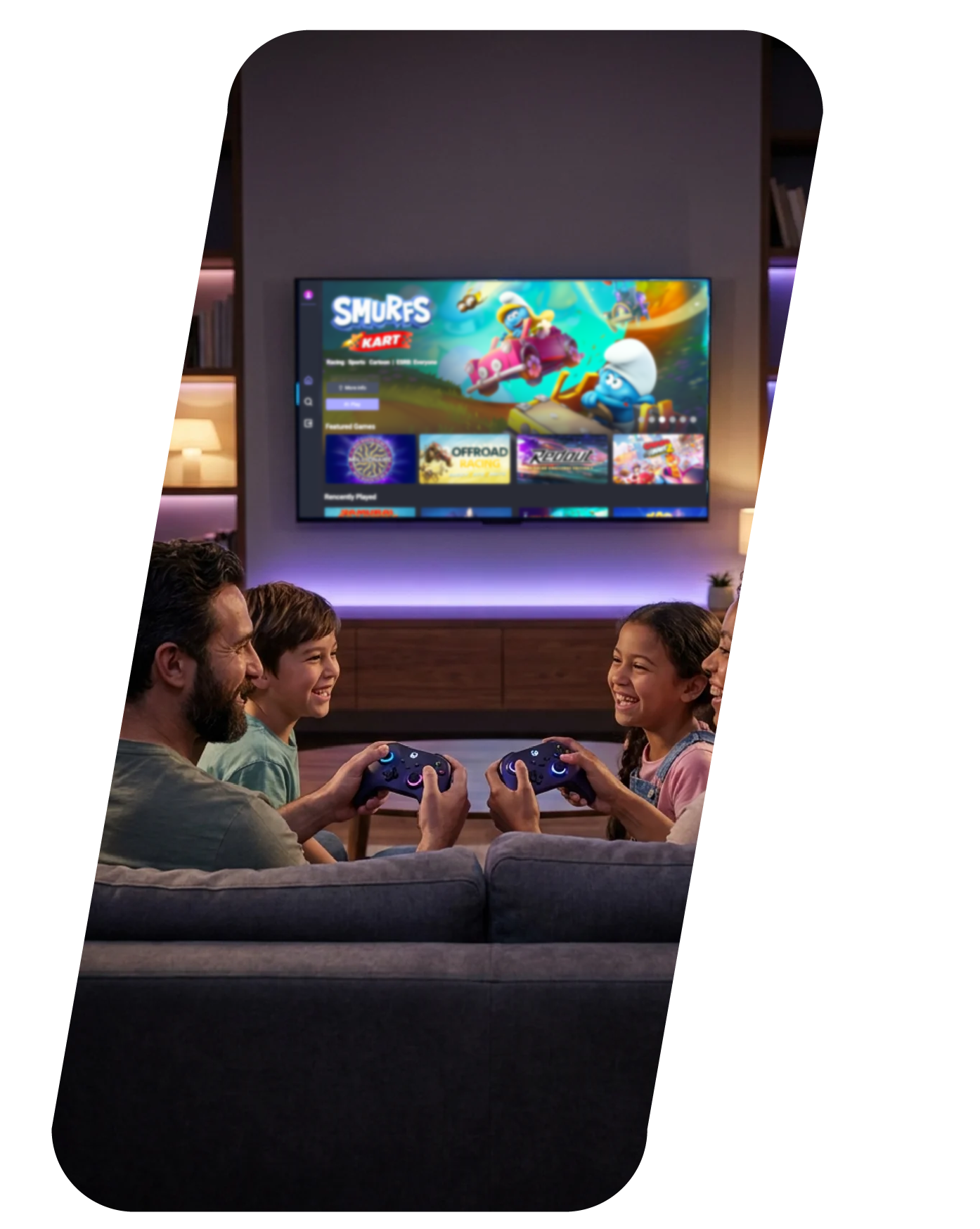
From casual weekend play to chasing esports glory, PHYND keeps it fun and simple — more games, more friends, more value, without the hassle.

From your couch to your first game in under a minute.
Getting started on Samsung TVs Search "PHYND" on your TV, launch, connect a controller, and play FREE.
How to search for PHYNDHow to connect your controllerGetting started on LG TVs Search "PHYND" on your TV, launch, connect a controller, and play FREE.
How to search for PHYNDHow to connect your controllerGetting started on Fire TV devices Search "PHYND" on your Fire TV, Fire TV Stick or device, launch, connect a controller, and play FREE.
How to search for PHYNDHow to connect your controllerSign up to get the latest from PHYND, straight to your inbox.
Be the first to know when new games drop — plus new device launches, new features, and more.
FAQ
PHYND is a free smart TV gaming service that makes it simple to discover and play a wide range of games right on your TV.
The beta is live in the US on Samsung Gaming Hub for Smart TV models from 2022 and newer, with LG and Fire TV support on the way. Join the waitlist to hear about new device rollouts.
PHYND is under active development, so expect new games, features, and improvements to keep rolling out as the platform grows with community feedback.
It can take up to 24 hours to appear in the launch bar, search, or Gaming Hub on some TVs. Check back soon if it's not showing yet.
Yes — completely free, with no card or subscription needed. The platform is supported by advertising partners, but ads won't interrupt your gameplay.
A physical controller, a virtual gamepad on your phone, or your TV remote all work with PHYND.
Smooth and fast, with low-latency cloud gaming, sharp visuals, and responsive controls built for the big screen.
Since PHYND streams from the cloud, gameplay quality depends on your connection — a strong Wi-Fi or wired connection gives the best results.
Yes, new titles are added regularly, so it's worth checking back often.
Sign in from the PHYND home screen to keep your progress synced across sessions.
Open the Help/Support menu from your profile in the app to reach the support form.